Online Safety
Teach Kids to Search the Web: From a Question to a Useful Source
Help children turn a question into a search, choose a relevant source, and record evidence. Includes an original search exercise and a simple source note.
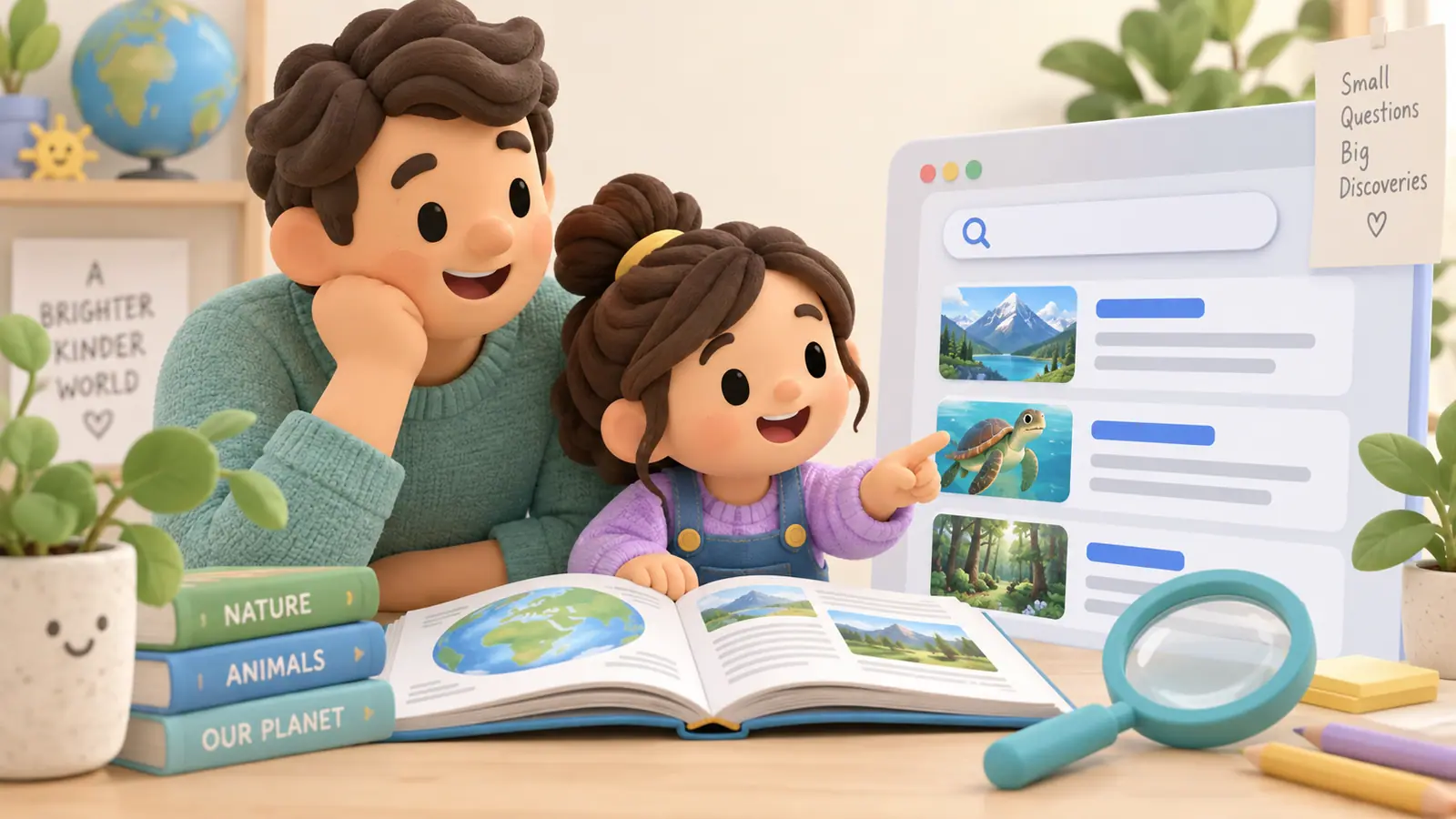
Teaching kids to search the web starts before typing. Ask what they want to find out, what kind of source could answer it, and how they will know when the question is answered. A search result is a possible route to information, not a guarantee that the information is correct.
Use age-appropriate supervision and the school's approved resources where relevant. Children can practice the reasoning on printed example results before searching independently.
Turn a broad topic into a question
“Bridges” is a topic. “What do the cables do in a suspension bridge?” is a question. The second gives the child something specific to look for.
An example search might use “suspension bridge cables explanation for students.” If results focus on tourist attractions, revise the query to emphasize how the structure works. If the text is too advanced, look for an educational explanation from an appropriate institution rather than repeatedly adding “easy” to an unclear question.
These queries are practice examples, not claims about which pages currently rank first.
Scan before clicking
Look at the title, source, description, and whether a result is marked as advertising. Ask which result appears most relevant to the question and why.
A high position does not establish accuracy. A professional design or a familiar-looking domain ending is also not enough to settle trustworthiness. Consider who produced the information and whether they have a relevant basis for the claim.
Leave an unfamiliar page to check its source
The Digital Inquiry Group's lateral reading materials teach checking what other sources say about an unfamiliar publisher instead of relying only on the publisher's description of itself.
For a home exercise, keep that check small. Ask an adult to help identify the organization and whether the page is a museum explanation, a seller's advertisement, a personal opinion, or another kind of source.
Record the answer and its support
Use a simple note:
| Field | What the child records |
|---|---|
| My question | The specific thing I wanted to know |
| Source | Page title, publisher, and URL |
| Useful information | A short explanation in my own words |
| Evidence location | The paragraph, diagram, or section that supports it |
| Remaining question | What this source did not explain |
For changing facts, include the publication or update date and the date checked. A historical explanation may have different freshness needs from current platform instructions.
Compare when the claim needs it
If two pages disagree, identify the exact disagreement. They may discuss different bridge types, use different definitions, or refer to different dates. Do not settle the issue by counting copied pages.
For a school project, follow the teacher's source requirements. For health, safety, or another consequential decision, ask an appropriate adult or professional rather than relying on a child's first search exercise.
Stop when the task is complete
Save the source note and close unrelated tabs. Searching can otherwise drift into browsing without a clear endpoint. If the source did not answer the question, revise the question or seek help rather than copying an irrelevant paragraph.
Our digital citizenship guide supports the credibility conversation. If the family uses restricted browsing, the website controls guide explains why technical filters and source judgment have different jobs.
Sources
We identify organizations and evidence types so readers can evaluate each claim. See our editorial policy.
- lateral reading materials — Digital Inquiry Group. Source guidance.