Parental Controls
App Store Age Ratings: What They Tell Parents—and What They Don’t
Read App Store age ratings, content descriptors, and feature information before approving an app. Understand newer ratings and separate purchase controls.
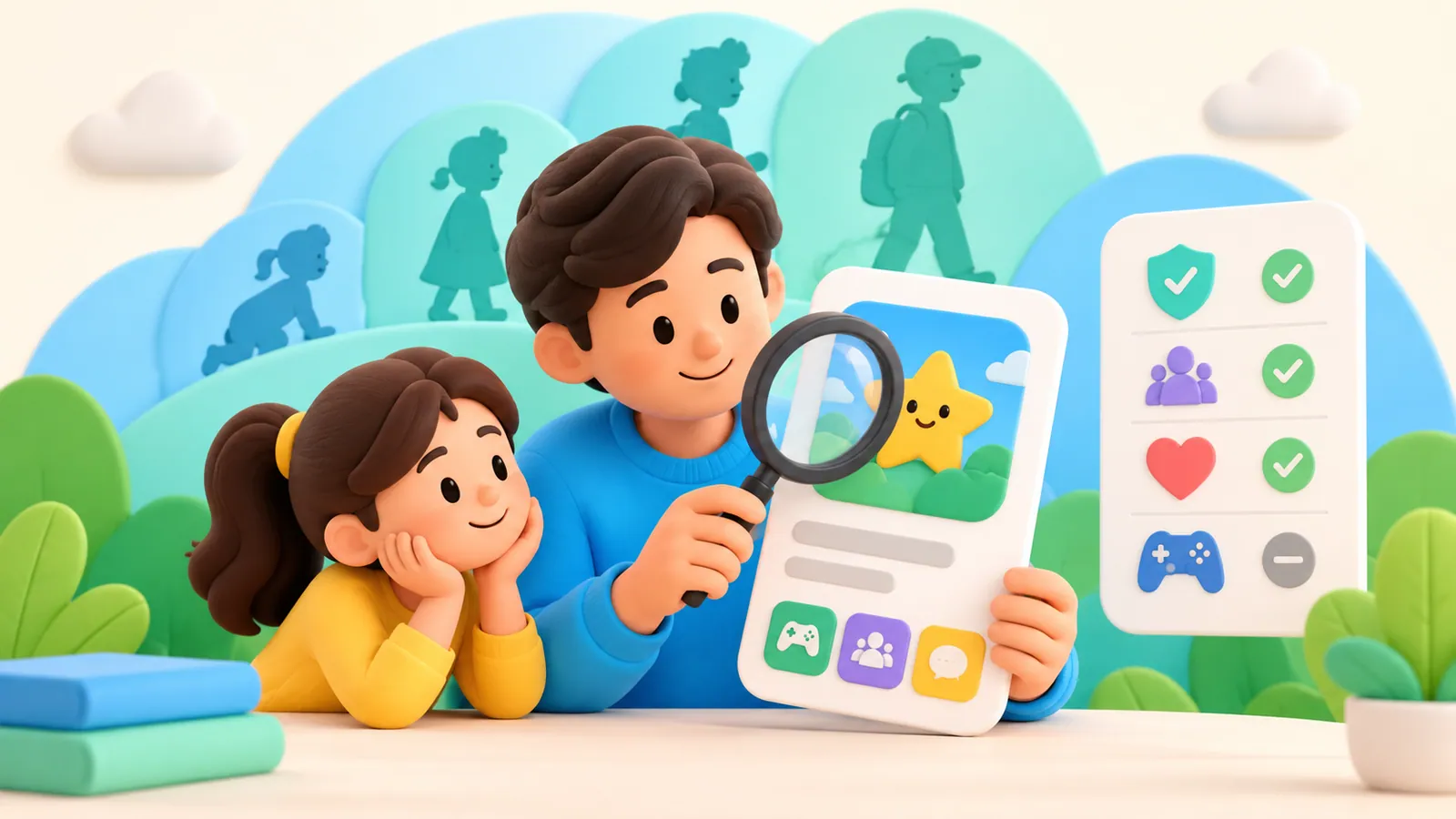
An App Store age rating describes an app's content and certain capabilities under Apple's rating system. It does not tell you that an app will teach your child, suit their reading level, be free of advertising, or support the way your family wants to use a device.
Use the rating as an initial boundary, then review the features that matter for the actual activity. Two apps with the same rating can raise different questions about chat, purchases, advertising, and access to the wider web. Apple's rating definitions make those distinctions visible. Apple: age ratings and definitions
Why the number may look different now
Apple's global rating categories for iOS 26 and later include 4+, 9+, 13+, 16+, and 18+. Older operating systems use the earlier set, including 12+ and 17+. Regional classifications and requirements can also differ.
If you see one rating in an older screenshot and another on a current device, check the software version, region, and app listing before concluding that the app's content changed. A rating-system change and a change to the app itself are different possibilities. Apple's definitions distinguish the current system from the ratings shown on earlier operating systems. Apple: current and earlier rating values
The plus sign also needs a careful reading. A rating is a classification, not an individualized recommendation for every child at or above that age. It cannot account for your child's interests, the reason they need the app, or whether they will use it with an adult.
Check the service's account requirements separately. An App Store rating should not be used as permission to enter a false birthday or ignore the service's minimum account age.
Where the rating comes from
Developers answer App Store Connect questions about the presence and frequency of particular content and capabilities. Apple's system uses those answers to determine a rating, subject to the applicable regional rules.
That process is useful, but it answers a narrower question than “Should my child have this app?” The questionnaire covers matters such as content, messaging, user-generated material, and access features. It does not measure the quality of an explanation in a math lesson or whether an app's rewards fit your family's expectations. Apple: how rating values are determined
Read the descriptors beside the number. In Apple's definitions, even the lowest category can include advertising, messaging, or user-generated content under the relevant conditions. A low rating therefore should not be translated into “no contact with others” or “nothing to buy.” Check the specific listing and the developer's explanation of the feature you care about.
Turn the rating into a family decision
Before approving an app, write down its purpose in one sentence: “Use it to submit homework,” “Draw offline,” or “Play this game with a cousin.” A purpose gives you something concrete to assess.
Then work through the questions below. You do not need a scoring system; a brief answer or an unresolved question is enough.
| Question | What to look for | A decision it can change |
|---|---|---|
| What will the child actually do? | The required activity, reading demands, and available modes | Whether the app fits the task |
| Who can interact with them? | Messaging, multiplayer, public posting, and account settings | Whether social features need limits or supervision |
| How does money enter the experience? | Purchases, subscriptions, advertising, and paid extras | Whether to approve purchases or block them |
| Can the activity lead elsewhere? | Web access, external links, or shared content | Which other controls need checking |
| What does the app require to start? | Accounts, requested permissions, and the developer's explanation | Whether you need more information before approving |
These are review questions, not claims that all apps have these features. If the listing leaves an important point unclear, treat it as a question to resolve rather than assuming the rating answered it.
Two apps can share a number and need different decisions
Consider an illustrative comparison between two hypothetical apps with the same age rating.
One offers a drawing activity your child plans to use while sitting beside you. The other centers on sharing creations with other people. Both might support a creative goal, but your review of the second would need to address communication and visibility as well as the activity itself.
You might approve both with different conditions, approve only one, or ask for more information. The useful difference is the intended use and the features involved. The rating alone cannot make that choice.
The same reasoning applies to “educational” descriptions. A product's category or marketing claim is a starting point for looking at the activity. It is not evidence that a particular child will learn a particular skill. Open the developer's explanation of what the app does, and compare it with the reason your child wants it.
Approval and an age boundary are separate controls
Apple's Ask to Buy lets a parent or guardian approve eligible downloads and purchases. Age restrictions determine which apps are permitted under the family's settings. These controls can interact, but they do not do the same job.
Apple documents app-rating exception requests on supported software, including iOS 26 and later. An exception is a decision about a particular app. It should not be understood as a reason to loosen the age boundary for every other app. Availability and details can depend on software and region. Apple: Ask to Buy and app exceptions
Ask to Buy also has exceptions of its own. Apple says a child's redownload of their own purchase, an app update, or use of a redemption code does not generate the same purchase request. Do not assume every installation-related action will prompt you to review the app again. For the updated family interface, use Apple's current Apps & Websites instructions; older Screen Time menus differ. Ask to Buy, current parental controls
Leave room to change the decision
An approval can include a simple review point: after the first assignment, after trying a specific mode together, or when the child starts using a social feature. This is a practical family agreement, not an Apple setting or a proven timetable.
Ask whether the original purpose still describes the use. If homework has expanded into unrelated browsing, investigate that change. If a feature you were concerned about is not needed, look for a documented way to avoid it. If the app becomes unsuitable, revisit access without presenting the original approval as a permanent commitment.
For the next app request, read the current rating and its descriptors, choose two feature questions that matter most, and check those before approving. That small review is more informative than treating a rating as either a guarantee of suitability or a complete reason to reject an app.
Check access as well as content ratings
Sources
We identify organizations and evidence types so readers can evaluate each claim. See our editorial policy.
- Age ratings values and definitions - App information - Reference - App Store Connect - Help - Apple Developer — Apple Developer.
- Approve what your child can purchase and download with Ask to Buy - Apple Support — Apple Support.
- Set up parental controls to manage your child's iPhone or iPad - Apple Support — Apple Support.