Family Rules
One iPad, Two Kids: A Plan for Sharing Without Mixing Up the Rules
Plan turns, accounts, purchases, and privacy when siblings share one iPad. Understand why Apple’s managed Shared iPad mode is a different setup.
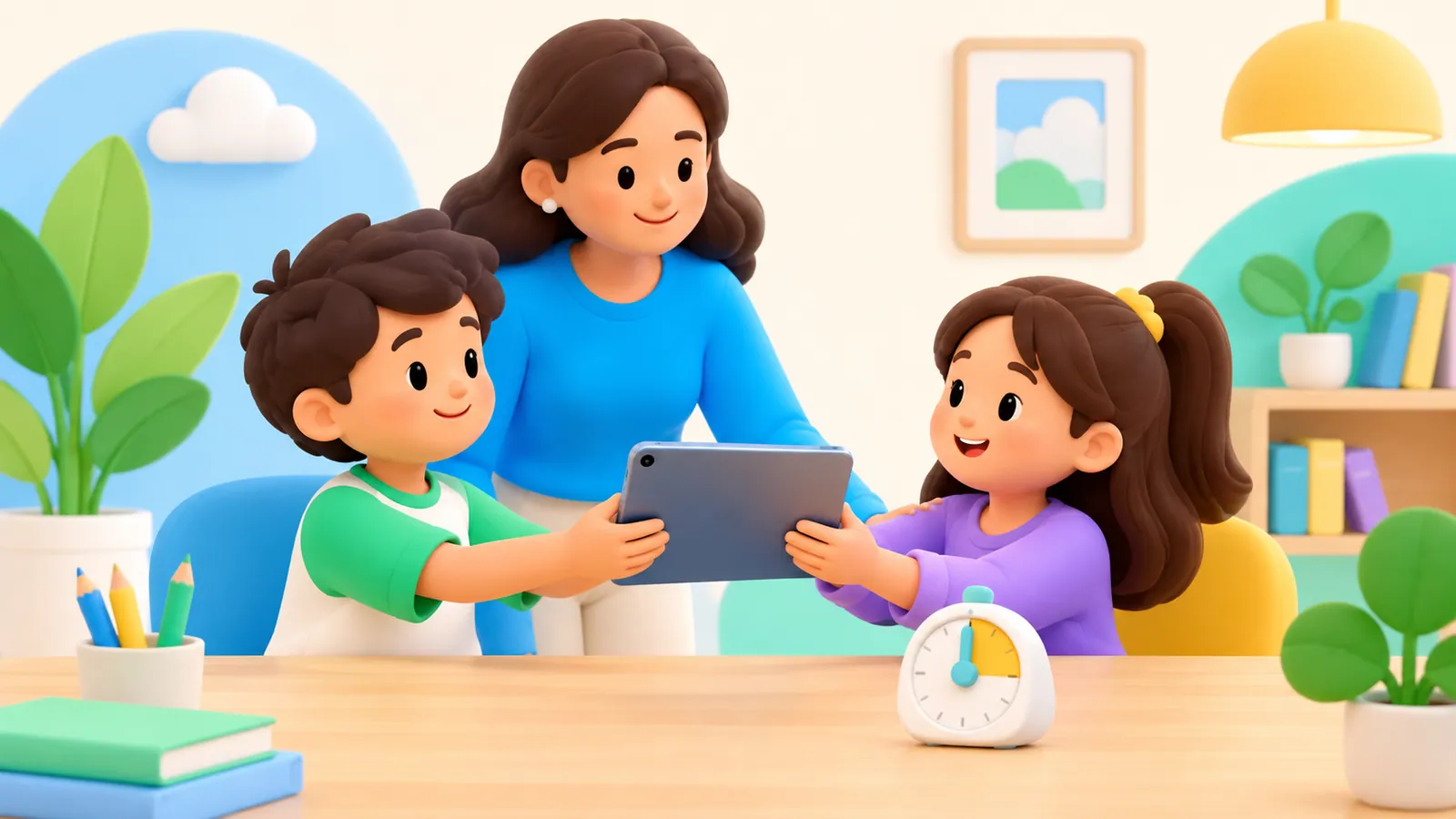
A shared iPad can save money and still create surprisingly personal arguments: someone moved a game, changed a character, watched videos on another child’s account, or used the battery before the next turn.
Start by treating the tablet as a shared device with one clear handover process. Do not assume that adding family members to Apple Family Sharing creates separate, switchable home screens and separate records for each child on that iPad.
Apple documents a product mode called Shared iPad for managed organizational devices. Its personalized, account-based use requires supervision, a device management service, and organization-issued Managed Apple Accounts. Apple also provides temporary guest sessions within this managed mode; that is different from switching between ordinary family members on a household iPad. Apple Shared iPad overview and temporary sessions
Make an inventory before changing accounts
Write down who uses the iPad and what each person needs it for. Keep the inventory practical:
| What is on the iPad? | What needs checking? |
|---|---|
| Games | Whose progress and purchases are attached to each game? |
| Video services | Are separate child profiles available within that service? |
| School apps | Which student is signed in, and who manages the account? |
| Photos and messages | Could one user open another person’s private information? |
| Purchases | Which adult approves or pays, and through which account? |
An app profile can separate preferences inside that particular service. It does not create a separate operating-system user or guarantee privacy elsewhere on the tablet.
Do not repeatedly sign in and out of Apple Accounts as an improvised turn-taking system. Before changing an account, understand what will happen to synced photos, files, purchases, and recovery access. If the tablet currently uses a parent’s account, address that separately using the child using a parent’s Apple Account guide.
Choose a shared baseline
For a tablet that several children can pick up, choose device-level content and purchase restrictions that are appropriate for its actual users. Then consider how an older child’s additional needs can be handled with adult assistance or a different agreed device.
Do not assume a restriction changes because a different child is holding the iPad. Similarly, do not assume a report knows whose turn it was. Unless a particular service provides reliable individual records, the activity may be mixed.
This matters when a child says, “That wasn’t me.” A device report can identify an app’s use without resolving that disagreement. Use your turn plan to understand the situation, not the report alone.
School-managed iPads need a separate approach. Ask the school which changes families may make and which accounts or restrictions the school controls. Do not try to remove management or repurpose a school device to solve a household sharing problem.
Use a handover card
A small card beside the charger can cover the decisions that otherwise become arguments. Here is an example to adapt:
Before a turn: Check whose turn it is and choose the agreed app.
Before starting: Check that the app is using the right profile, if it has one.
Near the end: Save progress and stop at the agreed point.
At handover: Close private work, return to the agreed start screen, and put the tablet in its place.
If something is wrong: Ask an adult before changing accounts, deleting work, or making a purchase.
The card does not need a perfect timetable. It needs to answer who gets the next opportunity and what “finished” means.
Include charging in the arrangement. If the second child repeatedly receives a flat battery, the first child’s nominally equal turn creates an unequal experience. You might charge between turns or reserve a charging period before the time both children usually want the device.
Decide how shared play counts
Watching a film together or playing a game cooperatively creates a different question from taking separate turns. Set the rule before the session: does it use a shared entertainment slot, replace individual turns, or sit outside the ordinary turn order as a planned family activity?
There is no need to make every shared minute into a debt. The important part is avoiding a surprise ruling afterward.
Let a child decline joint play without automatically losing their own planned opportunity. Conversely, do not let “I’m only watching” become an endless claim on a sibling’s attention if that sibling wants a private turn.
A younger child may need an adult to help start and finish. An older sibling can volunteer to help, but should not become responsible for enforcing parental restrictions.
Handle mistakes without destroying progress
If a child opens the wrong profile, stop and work out what changed. Avoid deleting saves or reinstalling an app until you understand whether progress is stored locally or linked to an account.
If an argument is about someone changing a character or building, make a specific boundary: ask before editing another person’s work. If the service cannot protect separate projects reliably, choose activities where joint ownership is clear or use an adult-managed way of keeping work apart.
The goal is a recoverable mistake, not an ever-growing list of punishments.
Check parental-control claims against this setup
A family app that supports several children across separate devices does not necessarily support automatic identification of siblings taking turns on one iPad.
OMO’s published requirements describe parent and child devices, the child’s Apple Family arrangement, and adult approval on the child’s device. Separate sibling rules and accurate per-child attribution on a single shared iPad have not been verified here. Do not choose OMO on the assumption that it provides a consumer user-switching feature.
For different household expectations, use the sibling screen time rules guide. For the shared tablet itself, keep the baseline, turn order, and handover visible. Those three decisions remain useful even when the software cannot tell which child is holding the screen.
Sources
We identify organizations and evidence types so readers can evaluate each claim. See our editorial policy.
- Shared iPad overview - Apple Support — Apple Support.