Digital Wellbeing
Video Chat for Young Kids: Making Calls More Interactive
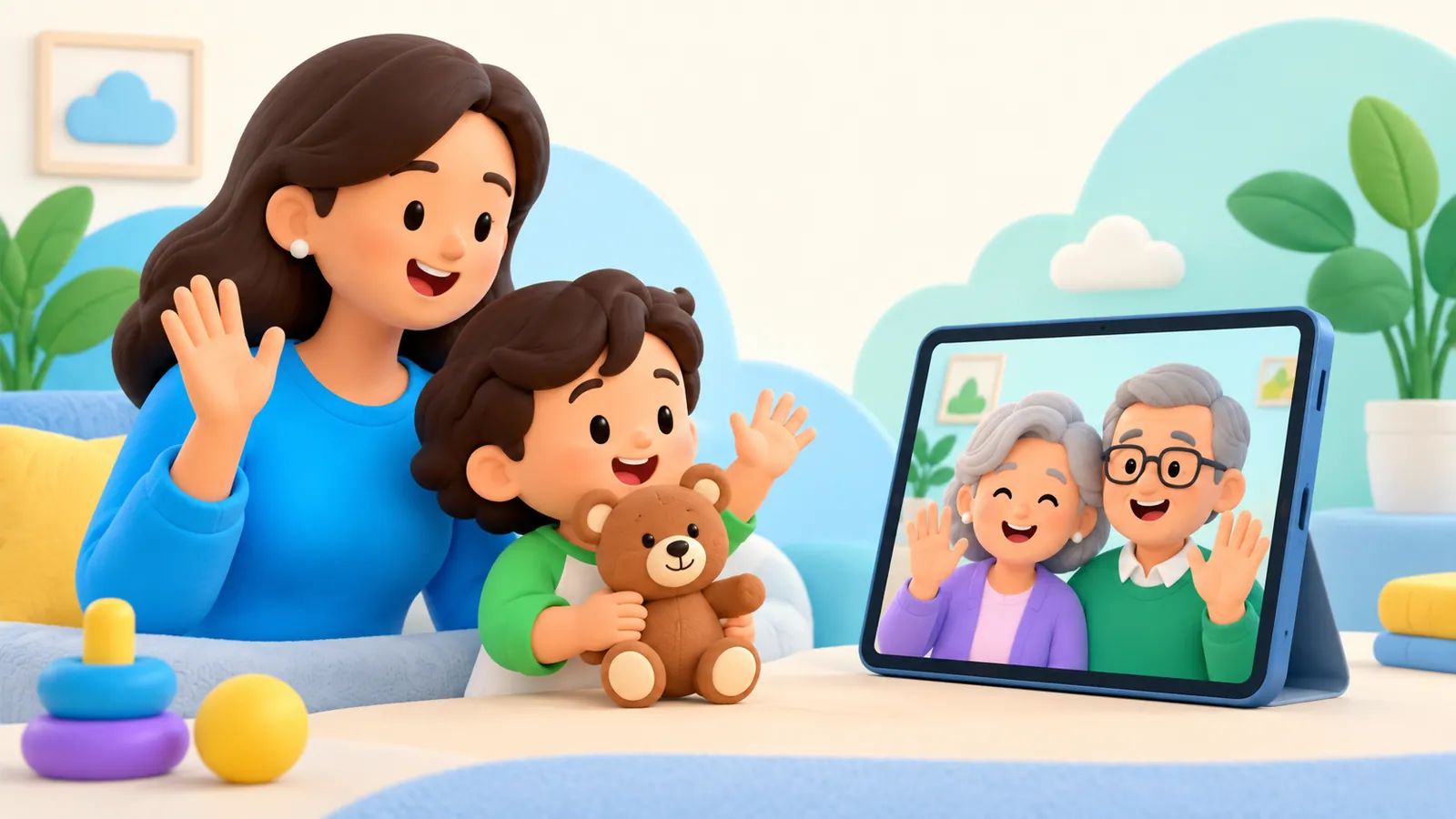
A good video call with a young child does not require sitting still and answering questions. Make it a small shared activity: show something, respond to what the child does, and let the adult nearby help the connection. Ending while the child is ready to leave is fine.
A good video call with a young child does not require sitting still and answering questions. Make it a small shared activity: show something, respond to what the child does, and let the adult nearby help the connection. Ending while the child is ready to leave is fine.
The AAP supports video chatting with infants and toddlers as a way to maintain caregiver relationships. A responsive exchange with a familiar person differs from passive viewing, but it is not a reason to keep a child on camera for an arbitrary amount of time. AAP guidance on infant and toddler video calls.
Think of the call as visiting together, with an imperfect window between you. The technology should serve the relationship.
Set a smaller goal
“Have a lovely conversation with Grandma” may be more than a toddler knows how to do. “Show Grandma the toy you are holding” is a concrete beginning.
A baby may notice a familiar voice or movement while the adult nearby responds. A toddler may carry an object away from the camera. A preschooler may prefer demonstrating a construction to discussing their day. Those can all be ways of participating.
Agree with the remote adult that the child does not have to perform. Avoid turning every call into a request to count, sing, name colors, or prove that they remember someone.
Choose one thing you might enjoy together. If it develops into more, follow it. If it does not, a brief hello still counts as contact.
Prepare the adults before inviting the child
Tell the other person what is happening in the room. Is the child just home from child care, ready to show something, or about to move to another activity? That helps the remote adult choose a reasonable approach.
Check that both people can hear each other without a television competing in the background. Put the device in a stable place where the adult can manage it. Keep charging cords and other equipment safely arranged around young children.
Ask the remote adult to avoid talking continuously through a delay. A pause gives the child time to notice, respond, or show something.
The adult beside the child can bridge the gap: “Your uncle is looking at your drawing,” or “She couldn't hear that last part.” This explains the technology without making the child responsible for running it.
Choose an activity with a response on both sides
Here is an original menu to adapt. These are examples, not developmental exercises or required milestones.
| Activity | What each person can do | How to simplify it |
|---|---|---|
| Find a familiar object | One person shows an object and the other responds with something nearby | Use one object without asking the child to search |
| A two-home picture tour | Each person shows one small part of their surroundings | Keep the camera still and name what is visible |
| Build alongside each other | The child makes something while the remote adult makes or describes their own | Follow the child's existing play instead of directing it |
| A story with choices | The adult reads or tells a brief story and pauses for a gesture or choice | Accept pointing, sounds, or simply listening |
| A shared everyday sound | One person makes an ordinary sound and waits for a reaction | Repeat the child's sound instead of adding instructions |
| Show-and-notice | The child shows something and the adult notices a specific detail | Replace a string of questions with one observation |
Be prepared for the child to change the activity. If the planned book is ignored but a cardboard box becomes interesting, you can talk about the box. The call does not need to follow an agenda.
For babies, the adult nearby may do most of the interpreting. Do not assume that lack of screen attention means the relationship is not developing, or that a particular amount of attention proves a benefit.
Why back-and-forth matters
One experimental study compared real-time video conversations with prerecorded video for children aged 12–25 months. It found differences in specific social and learning outcomes after a week, including some word learning among the older children. That is narrow research about responsive interaction, not evidence that any call improves language or a prescription for a certain daily duration. Myers and colleagues, Baby FaceTime.
The practical takeaway is modest: leave space for the child to influence what happens. A relative who reacts to a gesture or waits for a response is doing something different from a recording that continues regardless.
There is no need to add educational questions to make the call worthwhile. Enjoying contact is already a clear purpose.
Handle wandering, silence, and refusals kindly
A young child may leave the camera while still listening. The adult nearby can tell the other person what is happening rather than repeatedly calling the child back.
If the child does not want to join, avoid making affection conditional on looking at the screen. The adults can exchange a short update or try another time. For separated families, use any agreed communication arrangements while adapting the interaction to the child's needs.
Do not interpret one quiet call as rejection of the remote person. Ask whether the timing, sound, or activity could be changed. A predictable opportunity to connect can be offered without demanding a performance.
When the connection fails
Explain the problem plainly: “The picture stopped, but he is still trying to call.” Children should not have to guess whether someone disappeared because of something they did.
You can switch to voice if that works for the family, send an ordinary message between adults, or arrange another call. Avoid repeatedly asking a tired child to start the same activity again while the technology is repaired.
If recordings or photos are involved, agree who can save or share them. A family call does not automatically require posting a child's image elsewhere.
End with a clear goodbye
Let the remote adult know the next activity: “We are going to get ready for dinner.” A familiar goodbye can be short. You do not need to extend the call until the child becomes upset.
For broader age guidance, see our preschool screen-time guide. For the next call itself, prepare one shared object, give the child room to respond, and allow the interaction to be brief.
Sources
We identify organizations and evidence types so readers can evaluate each claim. See our editorial policy.
- Tips for Video Chatting with Infants and Toddlers — American Academy of Pediatrics.
- Baby FaceTime: can toddlers learn from online video chat? — Wiley.