Learning
A First Stop-Motion Project for Kids: Make a Paper Character Move
Create a short stop-motion scene with paper shapes and a phone or tablet. Includes a storyboard, frame example, privacy checks, and a clear project endpoint.
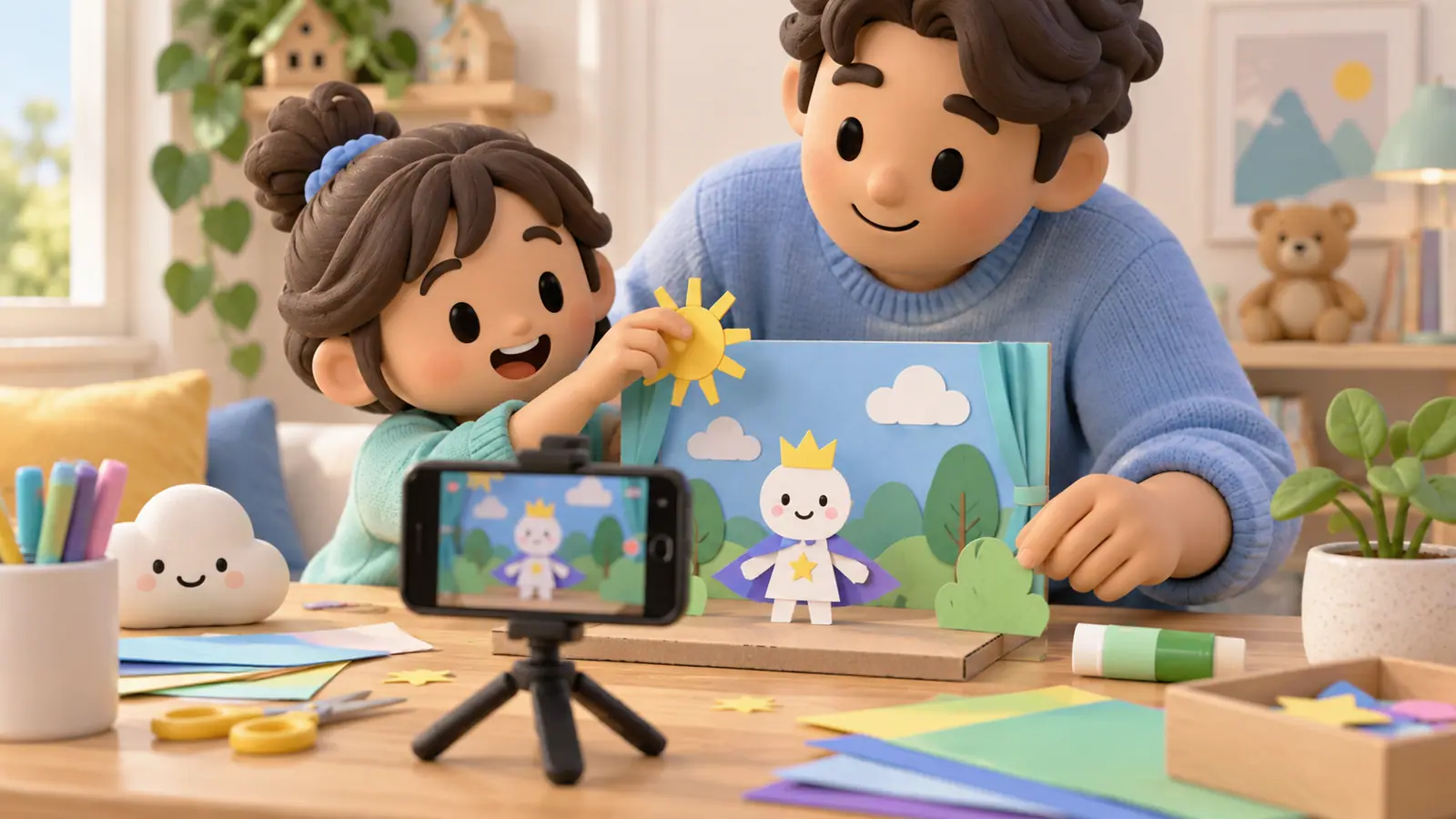
A first stop-motion project can be a paper character moving across a table. The child changes the scene a little, takes a picture, and repeats. Playing the images in sequence creates the appearance of movement.
Keep the first project short. You need one character, a plain background, and a device that can take pictures. If using an animation app, review its age requirements, privacy, cost, and export options before the child begins.
Plan a three-part story
Draw three boxes: a character notices something, tries to reach it, and gets a surprising result. For example, a paper circle rolls toward a star, bumps a paper hill, and discovers the star on the other side.
The story can remain silent. A clear action is enough for a first film; recording dialogue and adding music can wait.
Prepare a stable scene
Use a low, clear surface and a device position an adult has checked for stability. Keep cables out of the work area. Avoid balancing an expensive phone on an improvised stack that could fall.
Choose a background without names, school details, private photos, or documents. Paper characters let the child make a film without recording anyone's face.
Take a small sequence
- Put the character at its starting point and take a frame.
- Move it a small distance while keeping the camera still.
- Move hands out of the scene and take the next frame.
- Repeat until the character reaches its destination.
- Play the sequence and discuss one adjustment.
Smaller changes between frames generally produce a different movement impression from larger jumps. Let the child compare two short attempts rather than insisting on a perfect technique immediately.
Use the frame count as a math question
If the playback setting is six frames per second, 18 frames last three seconds. At twelve frames per second, the same 18 frames last one and a half seconds.
These are arithmetic examples, not recommended settings for every app. Check the software's actual playback behavior. Duplicating or holding a frame can also change the final duration.
Ask the child which version better fits the scene and why. A creative choice can have a numerical explanation without becoming a worksheet.
Revise one feature
Choose one improvement: steadier framing, a clearer beginning, a smaller movement, or a visible ending. Do not restart the whole film because an adult imagines a more polished result.
Save the project and the finished file where you can find them. Verify that export does not require an unexpected payment before promising a shareable video.
Decide on the audience
A private family screening is a complete outcome. Public posting is optional and requires a separate decision about accounts, permission, and what appears in the film.
If music is added, use original audio or material you have permission to include. Avoid assuming a song available to play is automatically available to publish with a video.
Close the project deliberately
Watch the finished scene together, ask what the child would try next, and put the device away. Making a film does not require a long session browsing other people's videos afterward.
Use our educational app checklist when selecting a creation tool. During a longer project, include the kinds of off-screen pauses discussed in screen-time breaks.
Sources
We identify organizations and evidence types so readers can evaluate each claim. See our editorial policy.
- educational app checklist — OMO Kids Editorial Team. Editorial guide.
- screen-time breaks — OMO Kids Editorial Team. Editorial guide.