Learning
From Educational Video to Learning: Watch, Try, Explain
Give an educational video a clear purpose with a question, a small activity, and an explanation. Includes an original paper-bridge example and parent checklist.
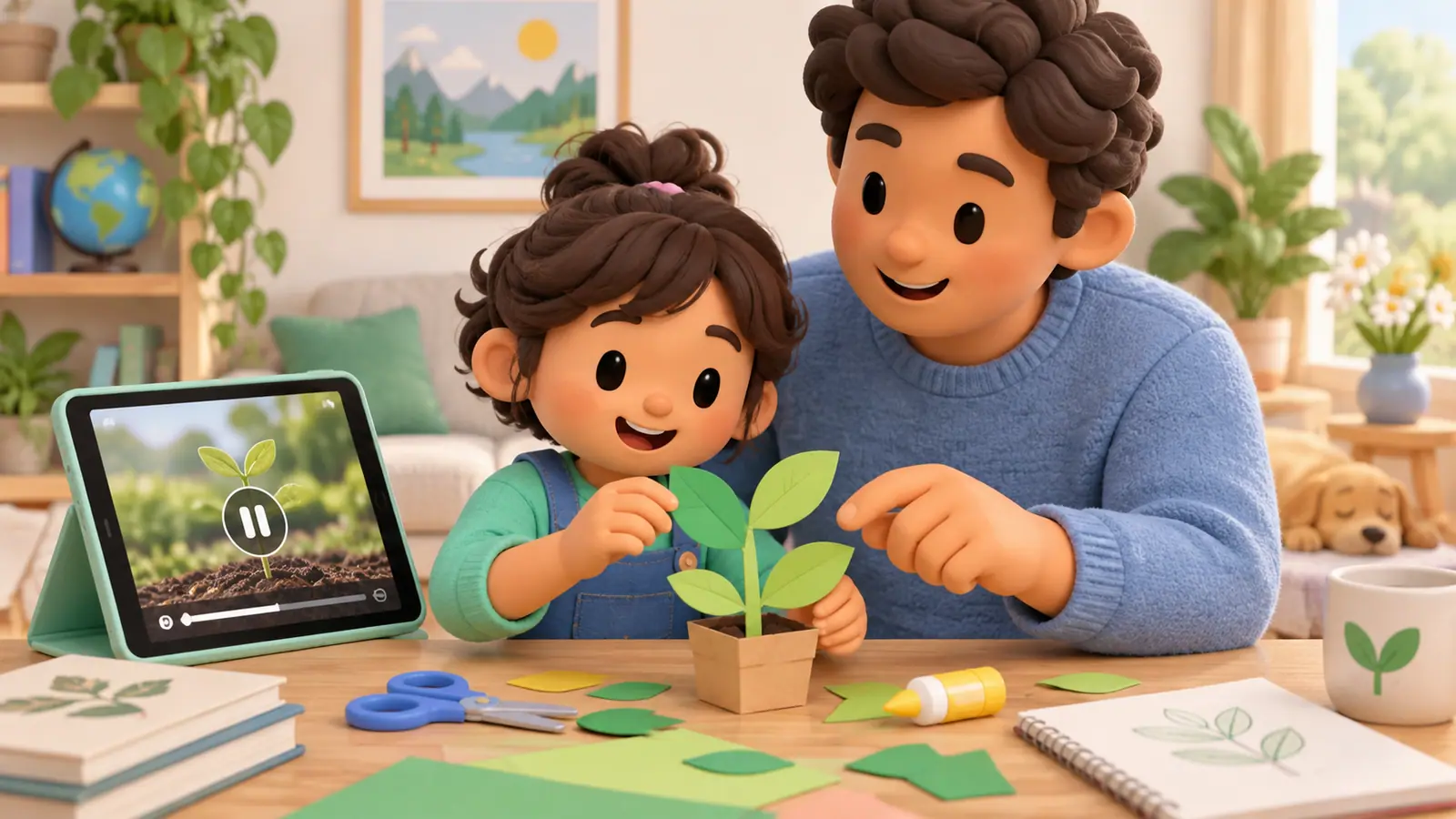
To make an educational video useful, decide what your child will do with the idea afterward. They might build a model, explain a process, solve a related problem, or ask a better question. A video labeled educational does not tell you whether any of that happened.
Try a small sequence: choose a question, watch a relevant section, attempt something, then discuss the result. This is a practical home activity, not a guarantee of learning from every video.
Choose the question before pressing play
Instead of “Watch something about science,” try “How can a sheet of paper span a gap?” The question makes it easier to select a relevant clip and stop when you have enough information to begin.
Preview the video for accuracy, age fit, advertisements, comments, and practical safety. A striking demonstration may involve tools or materials unsuitable for home use. You can discuss it without repeating it.
Watch enough to begin, then pause
Ask your child what they think the next step would be. If the video has already supplied every answer, choose a related variation rather than asking them to recite the narrator.
Keep the pause flexible. Constant interruption can make a clear explanation harder to follow. A natural section break is often a better moment than stopping after every sentence.
An original paper-bridge activity
Use two stable supports on a low, clear surface and a strip of ordinary paper. Decide on a small gap. Ask whether folding the strip might change how it spans that gap.
Sketch the plan before trying it. Compare a flat strip with a folded strip of the same size, keeping the supports and gap the same. You can observe sagging without adding weights. If using objects as loads, an adult should choose safe, age-appropriate materials and keep small pieces away from younger children.
The outcome belongs to this particular setup. Do not turn one result into a claim that every folded shape is stronger in every situation.
Ask for an explanation that uses the attempt
Try these questions:
- “What did you change?”
- “What stayed the same?”
- “What happened differently from your prediction?”
- “What would you try next, and why?”
A drawing or a few spoken sentences can answer them. The child does not need a formal lab report.
Use the same pattern in other subjects
| Video topic | A possible follow-up |
|---|---|
| Fractions | Place a fresh fraction on a paper number line |
| Story structure | Invent a character with a goal and an obstacle |
| Map symbols | Create a key for a small fictional map |
| A historical event | Identify what date and source would need checking |
If the child cannot attempt the follow-up, return to the confusing part or choose a simpler question. More videos are not automatically the missing ingredient.
Keep the endpoint visible
Save the result or the next question, then close the viewing session. Browsing recommendations is a different activity from finishing the original task.
Our educational app checklist applies similar questions to interactive content. If your child has been on a screen for a while, remember that another on-screen explanation is not necessarily the kind of rest discussed in our screen-time breaks guide.
Sources
We identify organizations and evidence types so readers can evaluate each claim. See our editorial policy.
- educational app checklist — OMO Kids Editorial Team. Editorial guide.
- screen-time breaks guide — OMO Kids Editorial Team. Editorial guide.