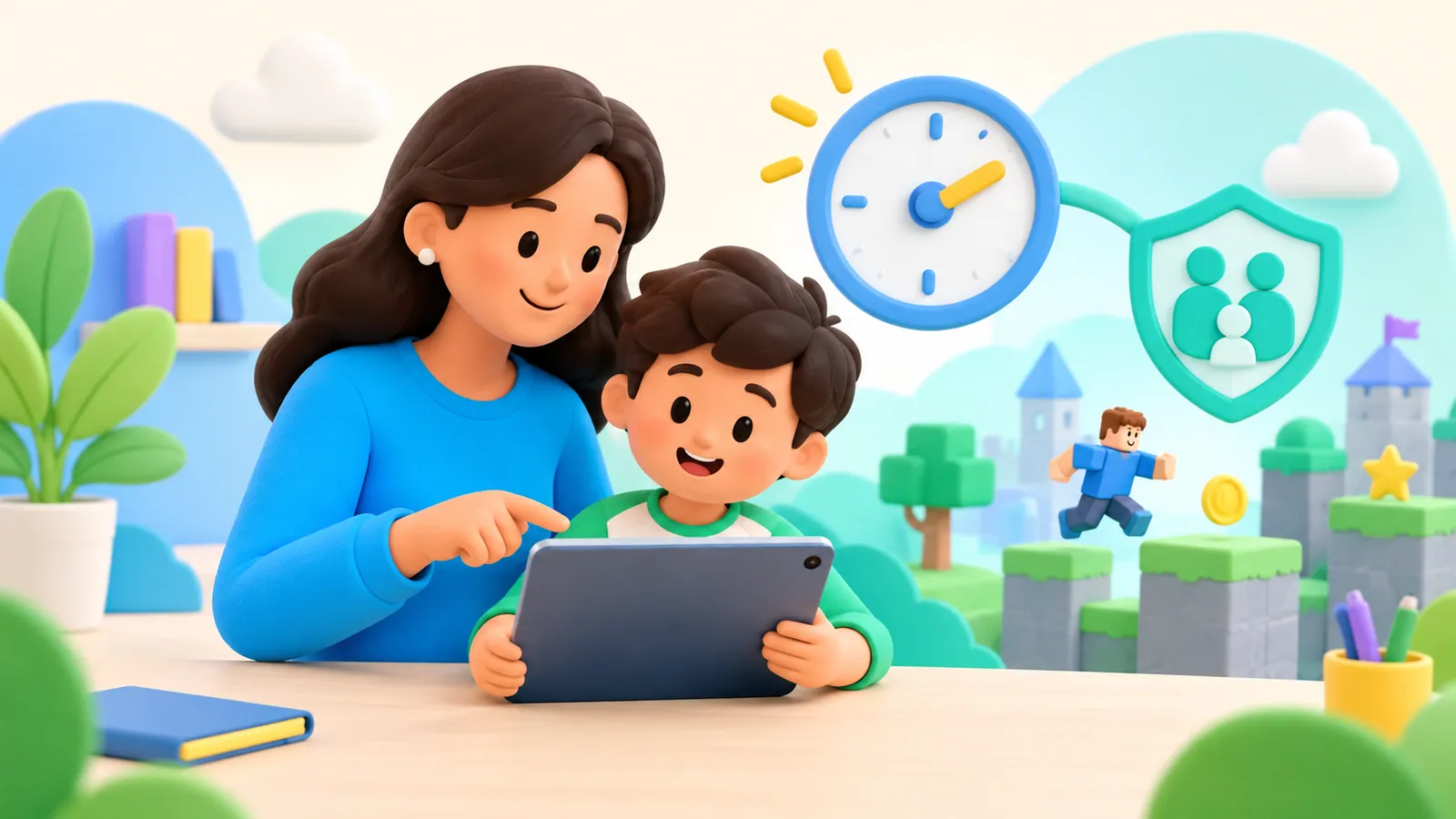
Games and Platforms
How to Limit Roblox Screen Time on iPhone and iPad
Choose between Roblox account limits and Apple device controls, then test the result with your child.
OMO Kids Editorial Team
Practical parent guides grounded in original research, public-health guidance, and Apple's official documentation.
Page 9 of 11
Choose between Roblox account limits and Apple device controls, then test the result with your child.

A sick day can justify changing the ordinary family routine. Make the screen exception clear, keep care and rest ahead of entertainment, and explain how the usual arrangement will return. There is no useful one-size-fits-all number of extra hours for every child and every illness.
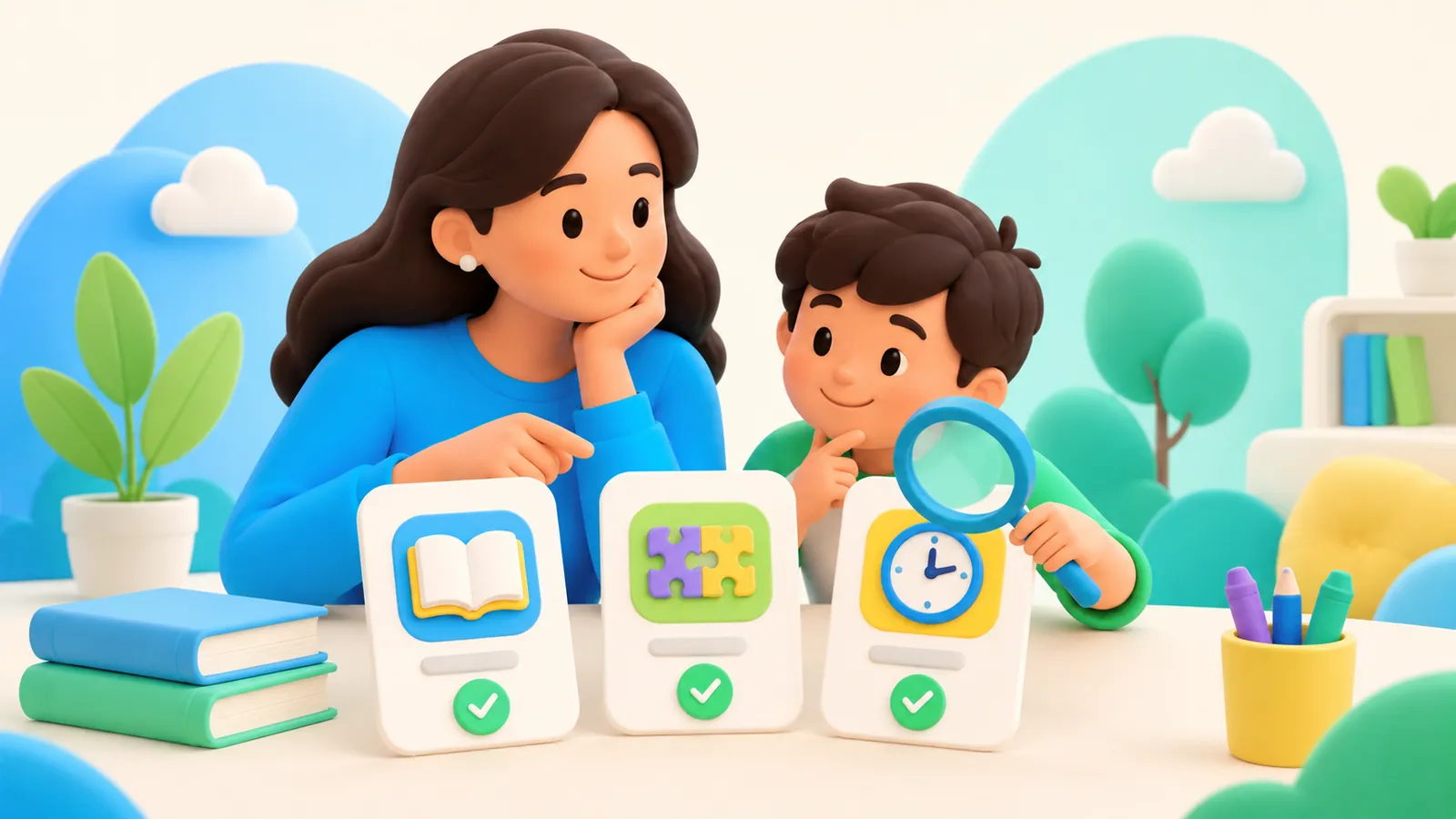
A disclosed documentation comparison of five options for learning before entertainment, with a common family test checklist.
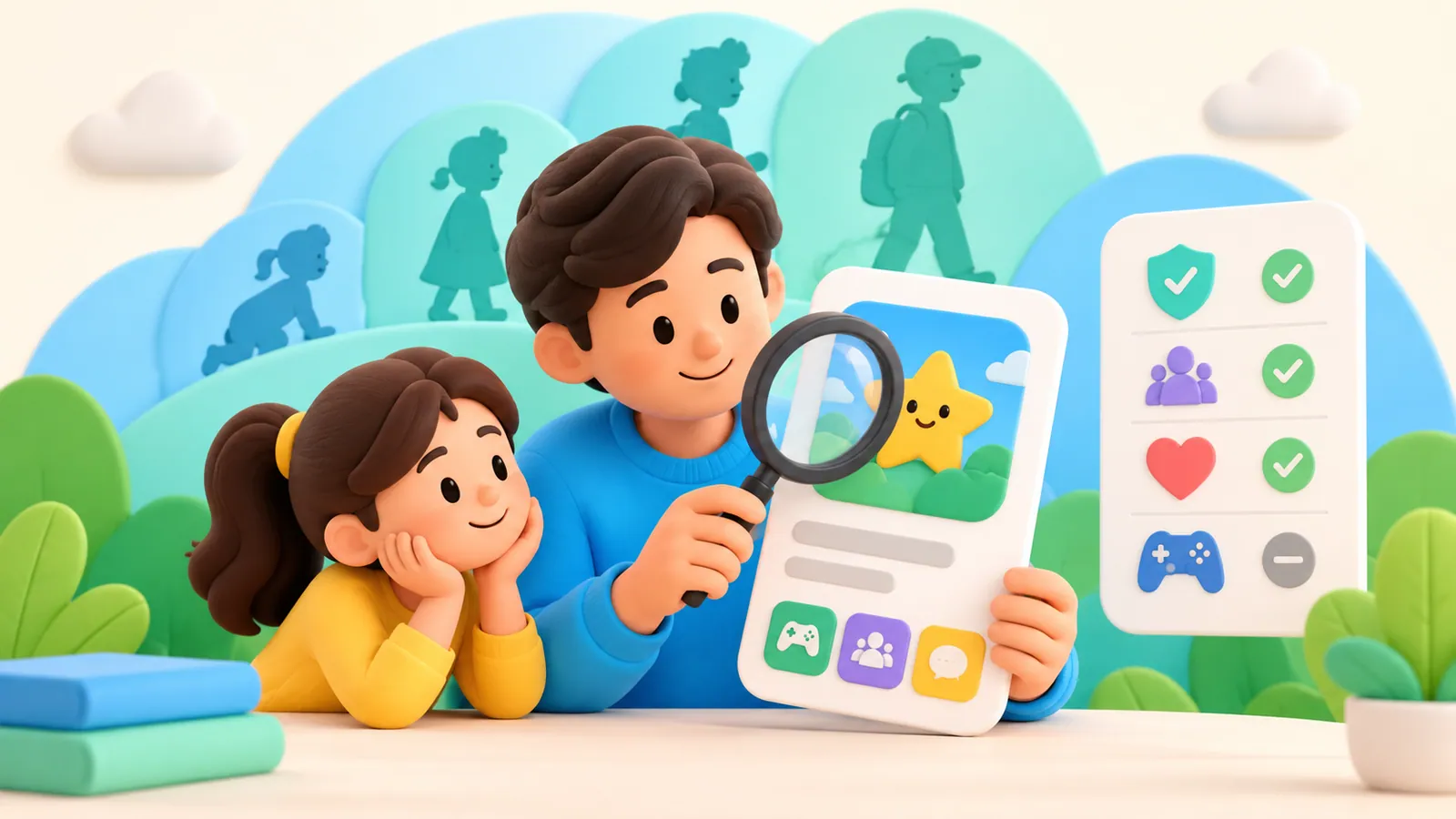
Read App Store age ratings, content descriptors, and feature information before approving an app. Understand newer ratings and separate purchase controls.
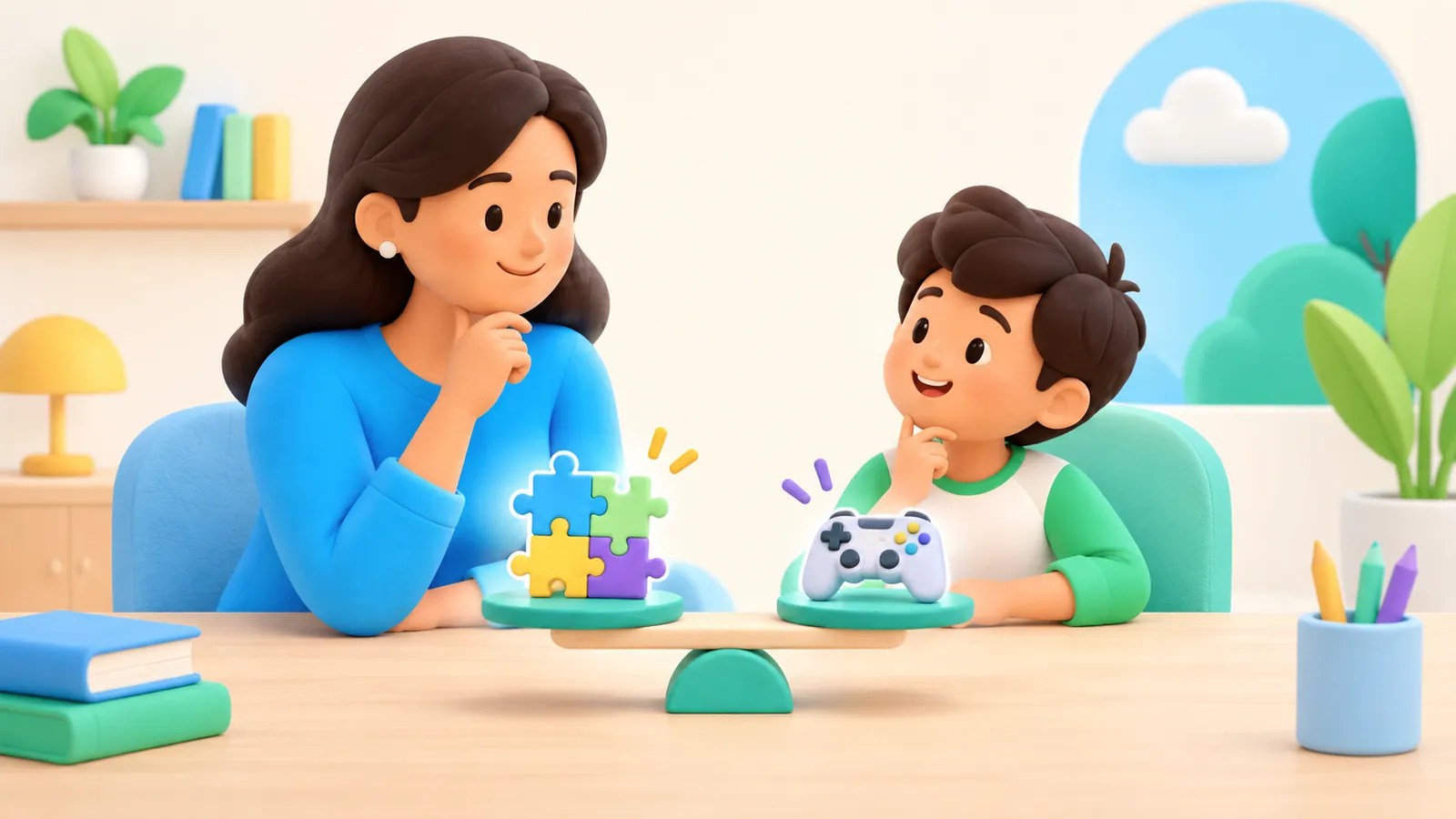
Consider the tradeoffs of earning screen time, when to simplify the arrangement, and alternatives that do not make every break a reward.
Review children's app location permissions, sharing audiences and photo information with a practical family privacy check.

Plan screen time for travel days, time away, and the return home, including offline checks, clear exceptions, and realistic alternatives for delays.
For preschoolers, begin with limited, age-appropriate screen use that leaves plenty of room for play, interaction, and the rest of the day. A time limit is useful, but it is not a quality score: an educational label does not make every activity suitable or every amount helpful.
If your child's eyes feel uncomfortable during screen use, pause the activity, ask what they are experiencing, and check the viewing setup. Do not assume that a new pair of blue-light glasses—or simply a stricter timer—answers the problem. Repeated or persistent symptoms deserve a conversation with the child's pediatrician or eye-care professional.

Digital wellbeing for kids means having a day that works: enough room for important needs, worthwhile things to do online, and a way to handle problems when they appear. A low screen-time total alone cannot tell you whether those things are happening.
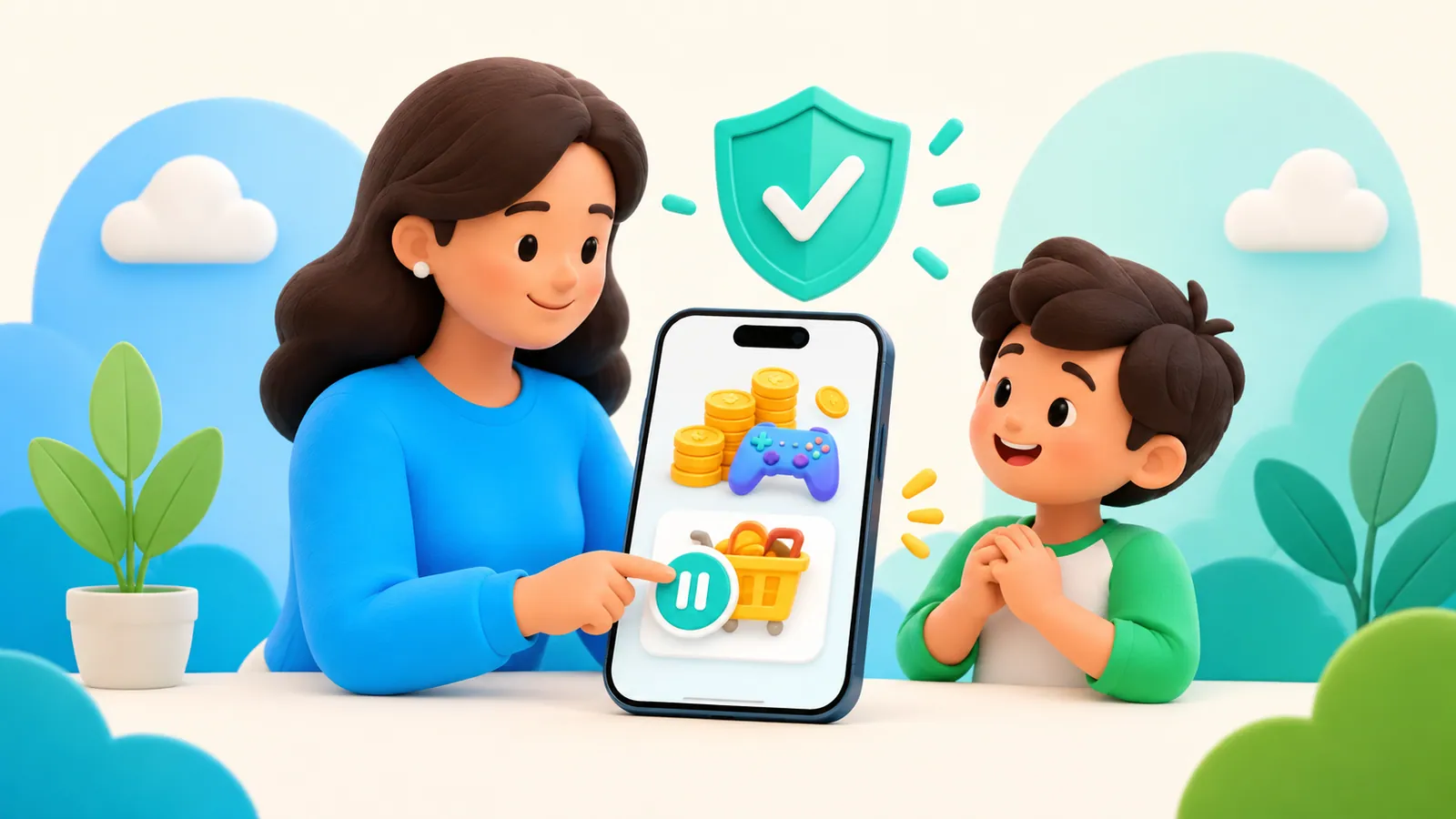
Separate Ask to Buy, purchase restrictions, and existing subscriptions to reduce surprise spending on a child's iPhone.
Prepare a child's first iPhone with the right account, preserved data, working essentials, and a practical handover rehearsal.