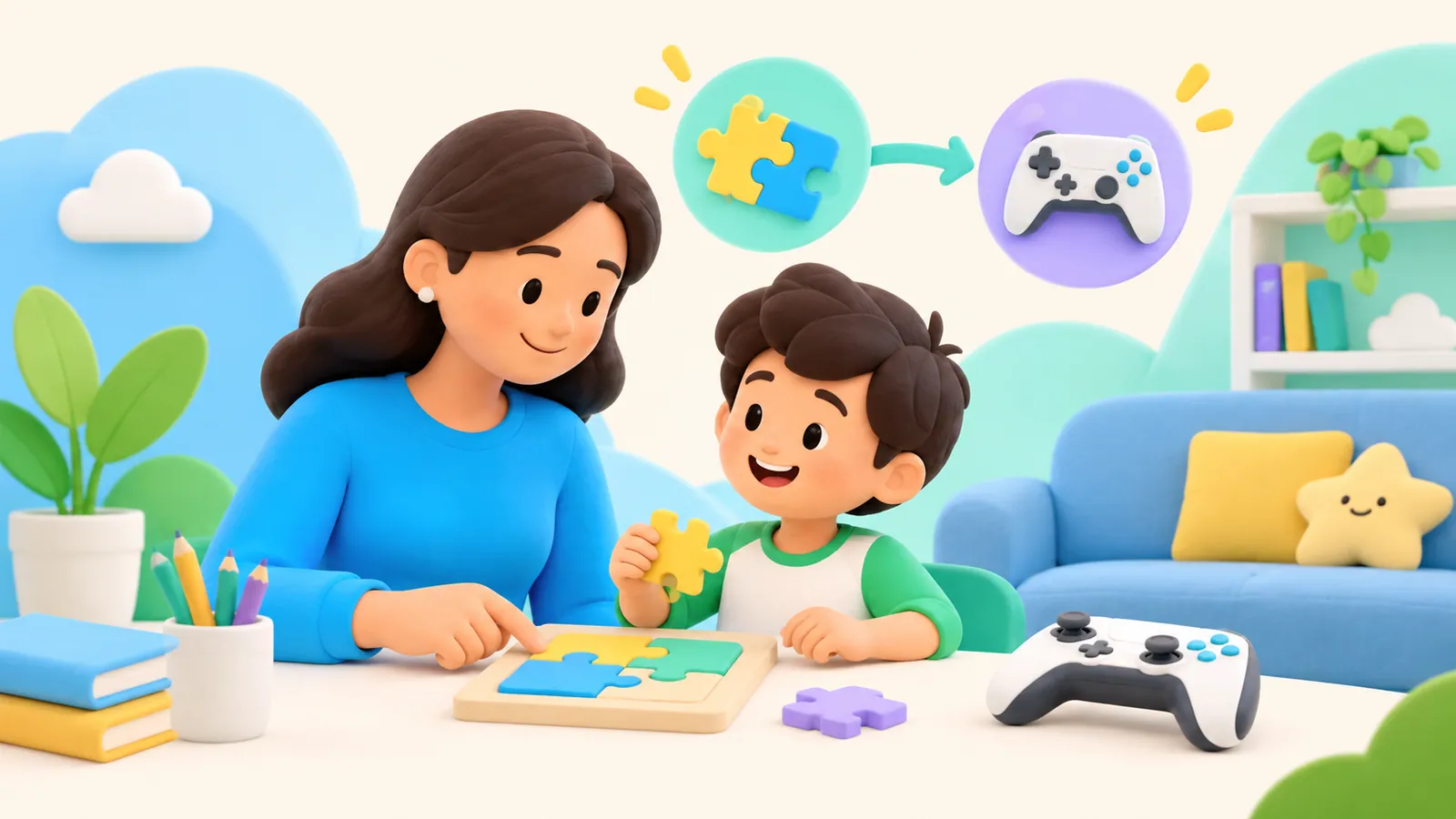
Learning
Learning Before Gaming: How to Choose Tasks Without Making Learning a Punishment
Choose manageable learning tasks before screen access, plan for mistakes and help, and keep grades out of the bargain.
OMO Kids Editorial Team
Practical parent guides grounded in original research, public-health guidance, and Apple's official documentation.
Page 6 of 11
Choose manageable learning tasks before screen access, plan for mistakes and help, and keep grades out of the bargain.

First, help your child step away from the video and feel able to talk with you. Ask what they saw and what is worrying them without requiring a replay or a detailed description. The first conversation is about the child; changing settings can come afterward.

Coordinate screen time across two homes with a small shared agreement, clear account responsibilities, and a device handover that keeps children out of disputes.
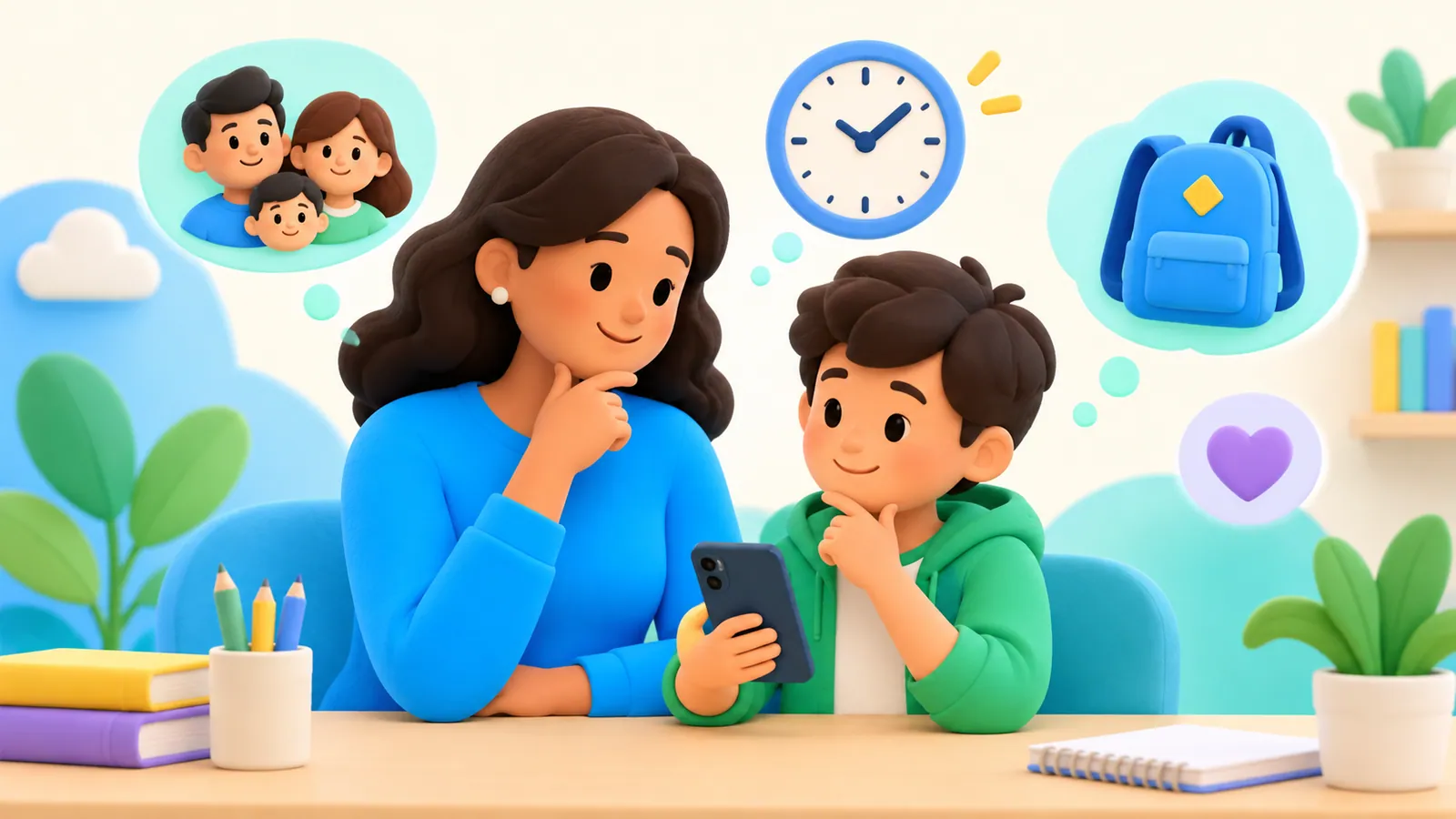
A practical first-phone readiness conversation: clarify the need, try limited access, agree on responsibilities, and decide what happens next.

A practical way to agree on learning tasks, entertainment access, overall limits, and exceptions—without making every minute of rest something to earn.

Evaluate educational apps using a practical learning-goal and feedback check, with questions about accessibility, purchases, privacy, and what your child can actually do.
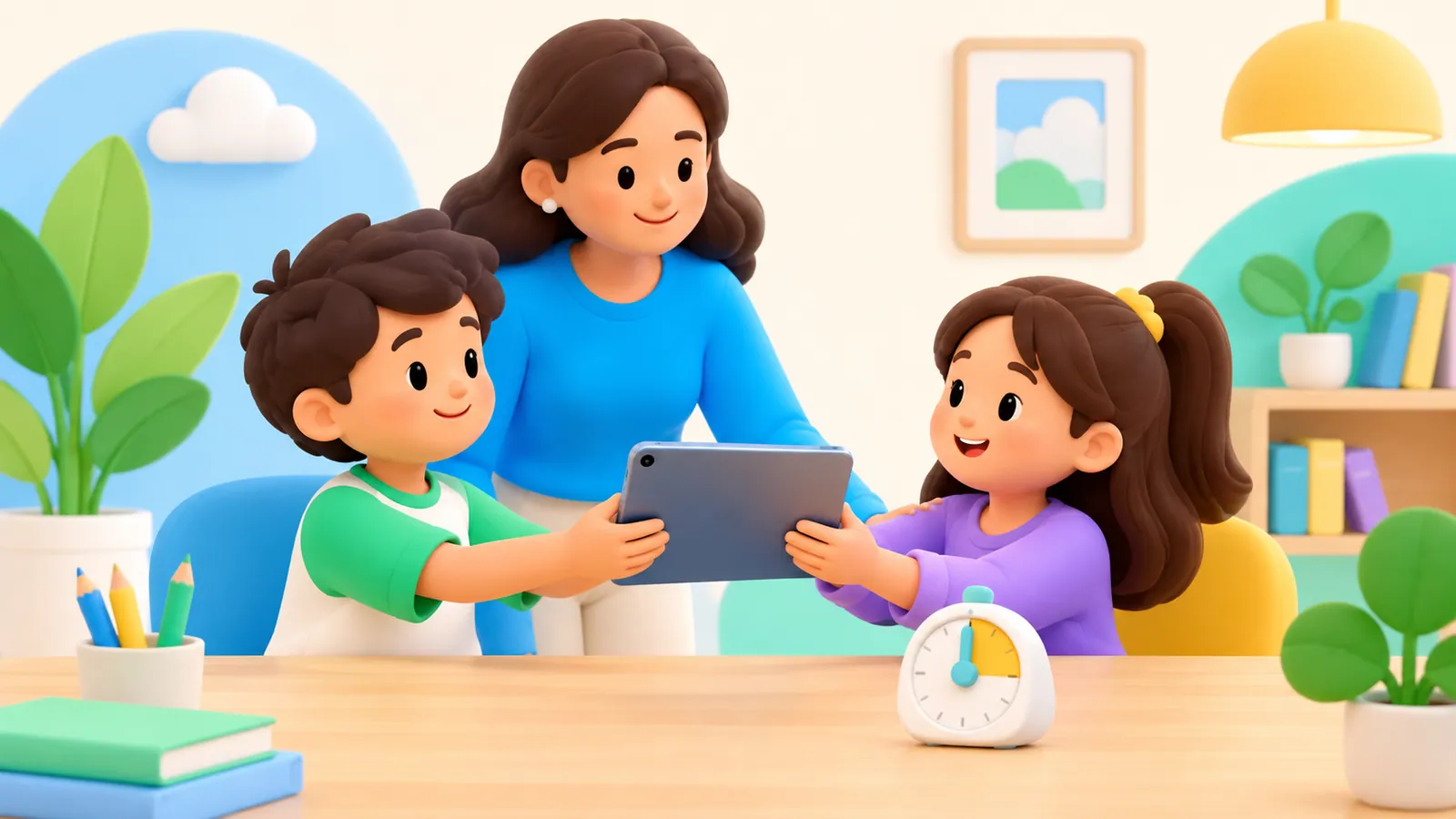
Plan turns, accounts, purchases, and privacy when siblings share one iPad. Understand why Apple’s managed Shared iPad mode is a different setup.

A family phone charging station is simply a known place where devices spend the night. It can be an appropriate surface near existing outlets; it does not need to be a product you buy. The useful part is the agreement about when phones arrive, how essential access works, and when they return.

A break from a game is not always a break from the screen. Here is how to choose a pause that fits the need.

There is no volume-slider percentage or “kid-safe” label that guarantees safe listening for every child. Check how loud the sound is, how long the child listens, and what happens in the actual device-and-headphone combination. A quieter setting is a starting point, not permission to listen indefinitely.
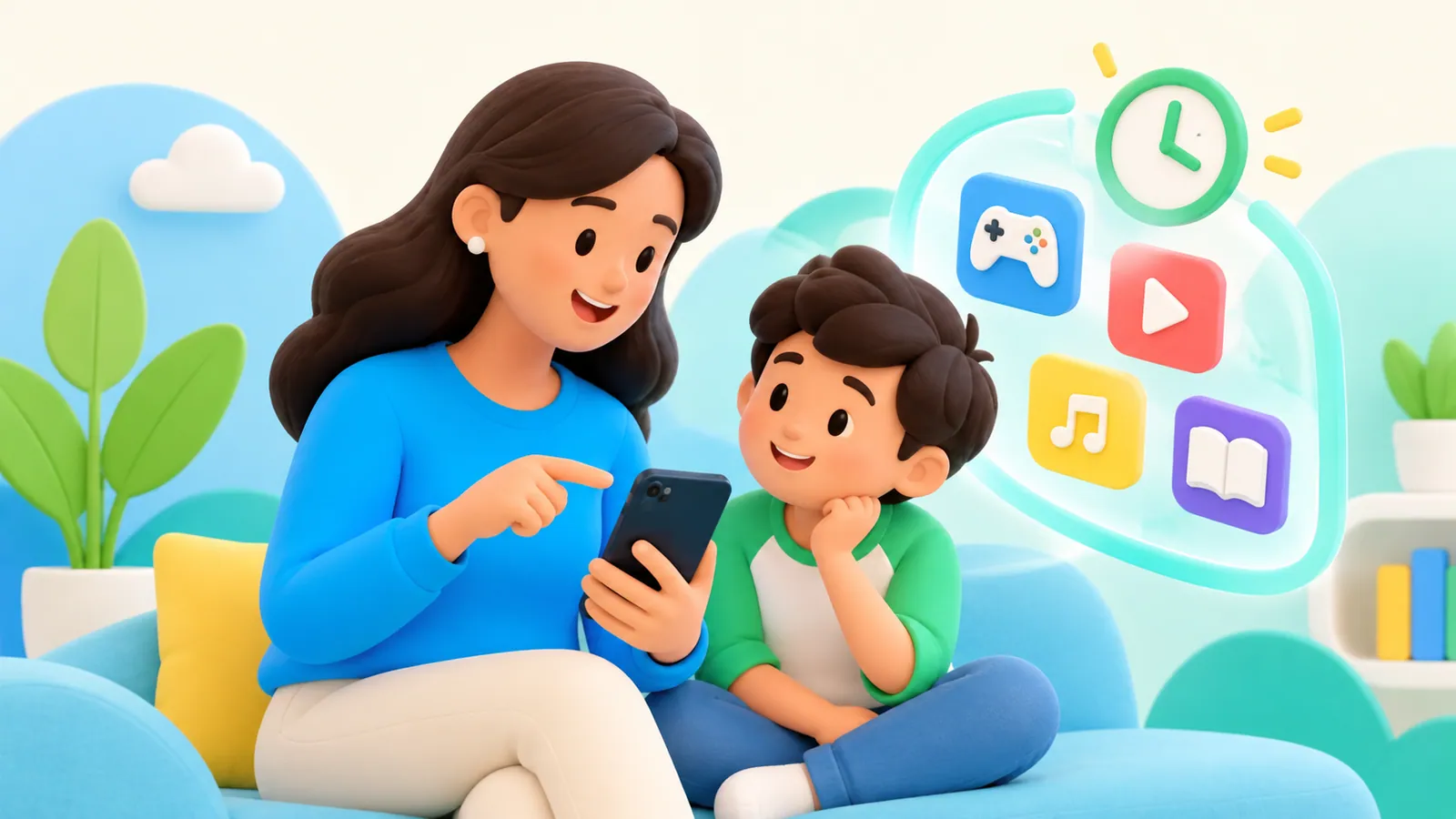
Explain parental controls openly with a clear purpose, accurate privacy boundaries, an exception route, and a plan for reviewing access as your child grows.
Review Instagram Teen Account defaults, parent supervision, content permissions and time settings without confusing visibility with control.