Parental Controls
How to Block Websites on a Child’s iPhone or iPad
Block specific websites or use approved browsing on a child's iPhone or iPad, with separate Apple 27 and iOS 26 instructions.
OMO Kids Editorial Team
Practical parent guides grounded in original research, public-health guidance, and Apple's official documentation.
Page 10 of 11
Block specific websites or use approved browsing on a child's iPhone or iPad, with separate Apple 27 and iOS 26 instructions.
Understand adult website filters, app restrictions, and Communication Safety on a child's iPhone, including coverage gaps and school-site false positives.
Plan and check limits for regular YouTube, YouTube Kids, browser viewing, and the family's other devices.
Understand TikTok Family Pairing controls, parent visibility, Time Away and US availability limits before linking a teen account.
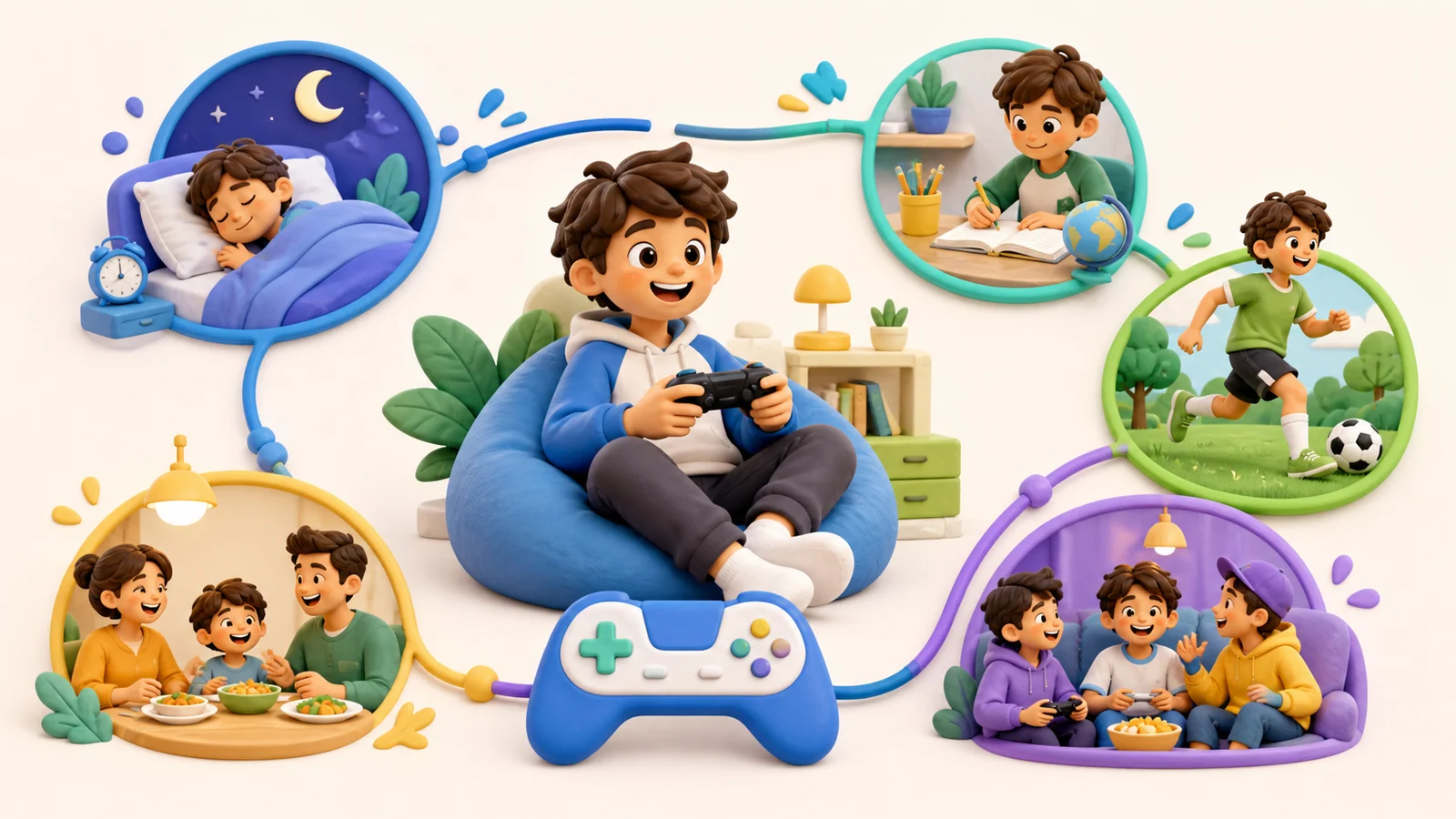
A favorite game and a difficult stopping moment do not diagnose a disorder. Look at the persistent pattern and its effect on everyday life.
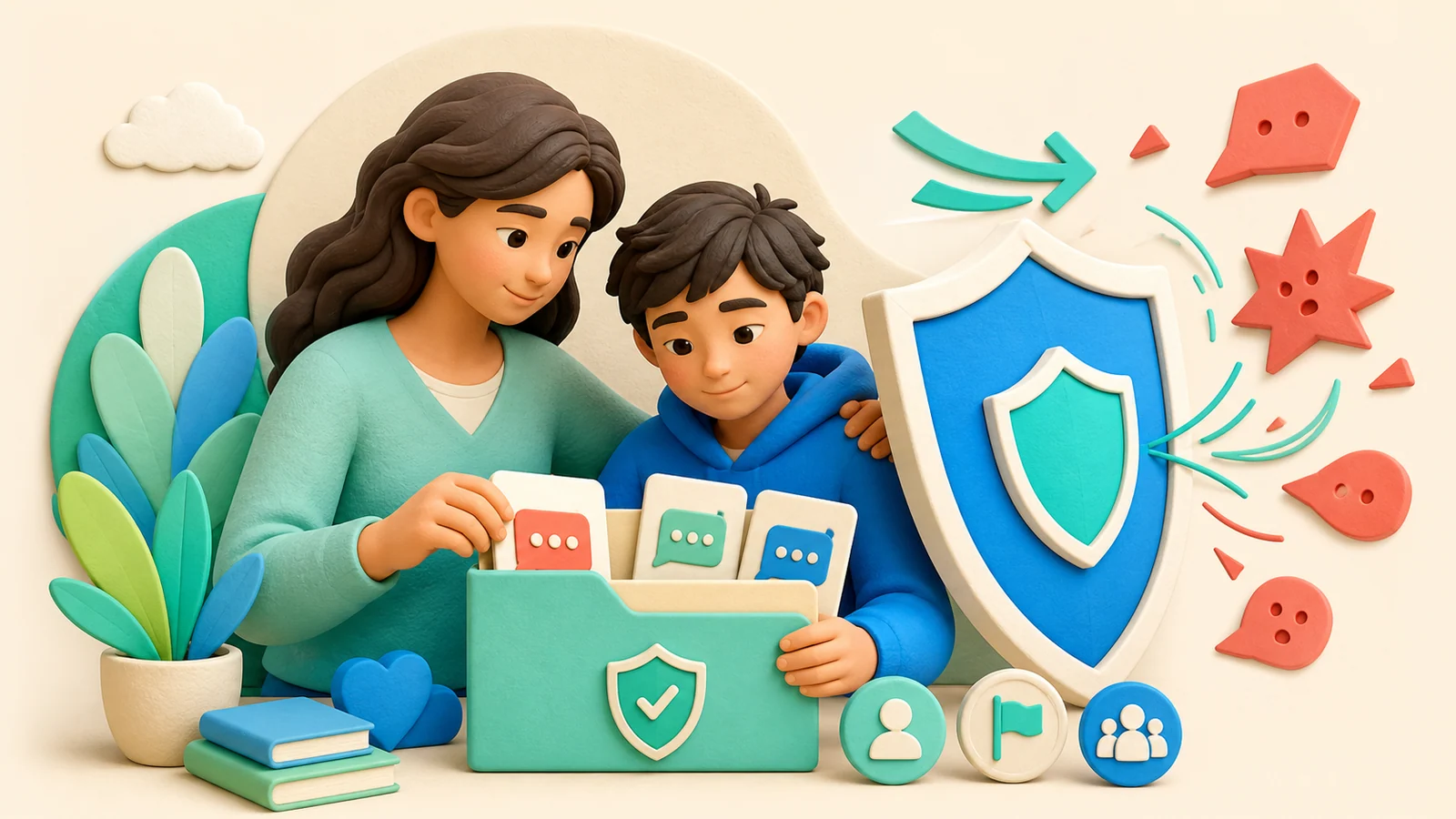
Recognize possible cyberbullying, preserve evidence, protect immediate safety, report effectively, and support a child without blaming them.
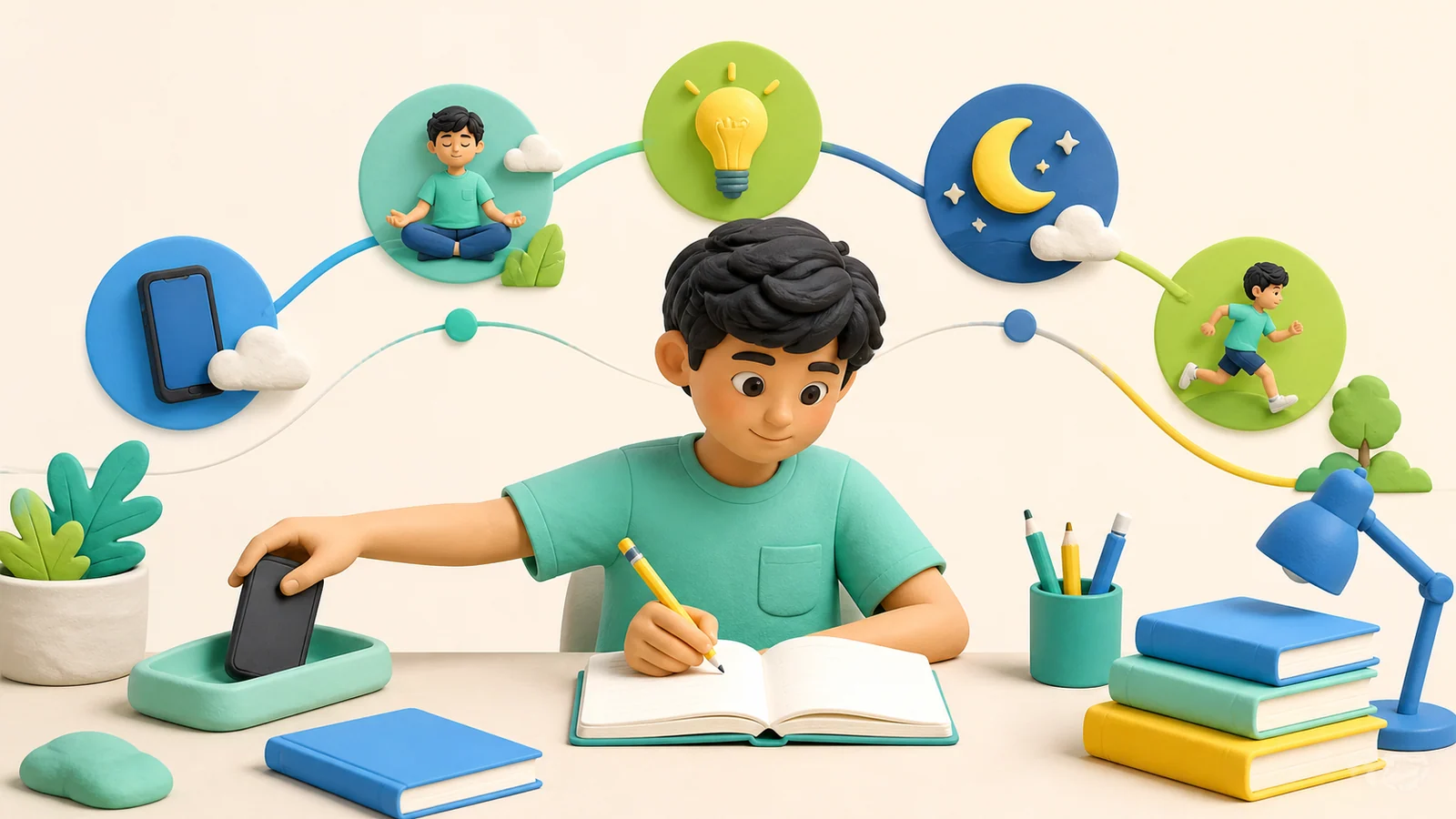
How entertainment, homework, multitasking, sleep, and family routines can relate to school outcomes—and what parents can change first.
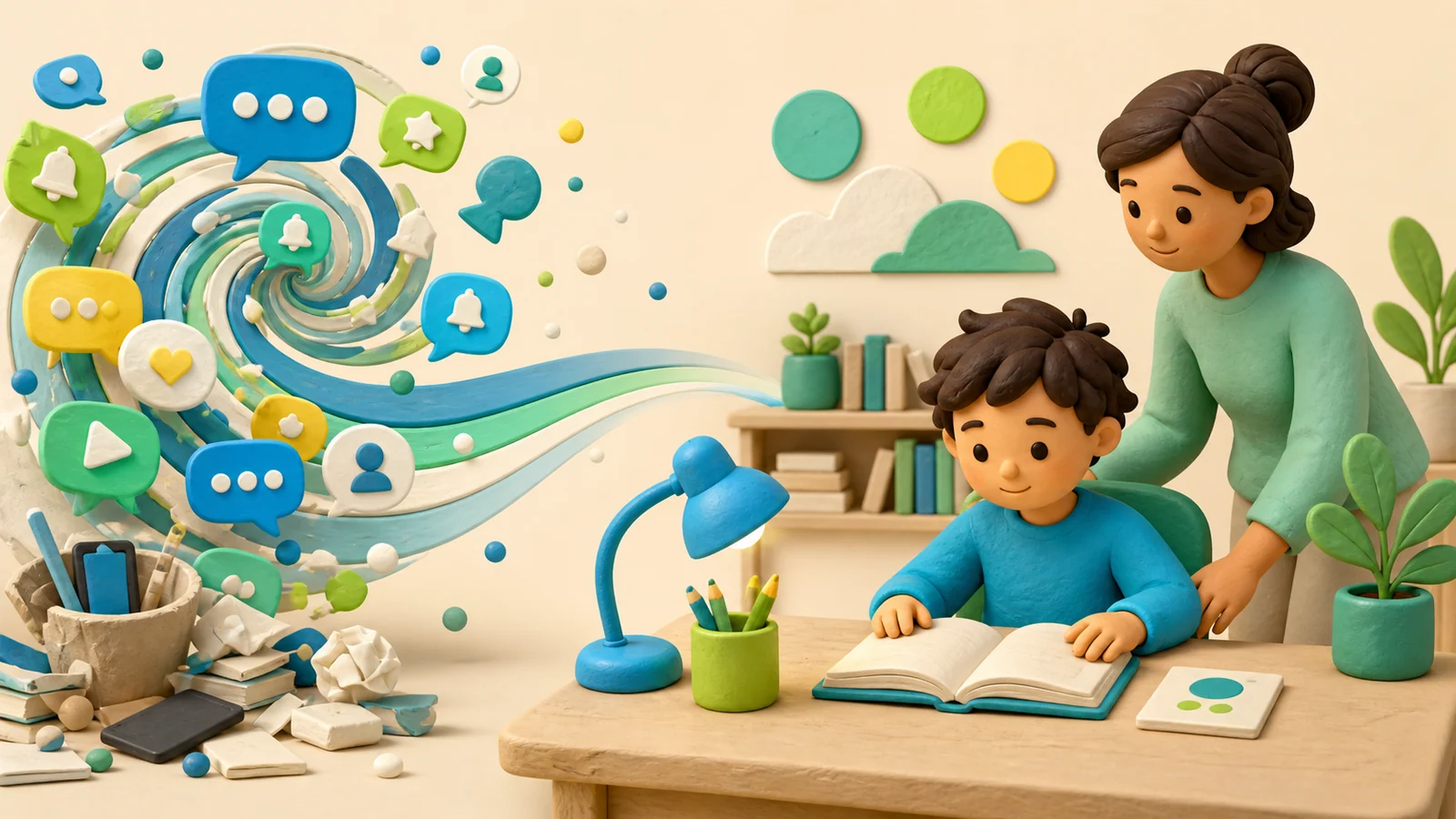
What research says about digital media and attention symptoms—and why screen habits cannot diagnose or explain ADHD by themselves.

A careful guide to benefits, risks, associations, uncertainty, and the practical signals parents should watch in an individual teen.
Use clear boundaries and short parent scripts for screen-time arguments, unexpected app blocks, exceptions, and repairing a difficult evening.
An editable family agreement with room for schoolwork, entertainment, exceptions, adult responsibilities, and changes over time.
Look at control, context, and everyday functioning. This guide includes a family observation journal, not a diagnostic score.